Fast Facts
Statewide K-12 education profile and key indicators.

Explore statewide education data, cooperative profiles, and educational trends through ADE’s public-facing resources.
Statewide K-12 education profile and key indicators.
Explore cooperative education profiles.

SY 2026-2027 beginning-of-the-year data releases ready based off SIS: APSCN Cycle 2 data submissions that concluded on October 15, 2026.
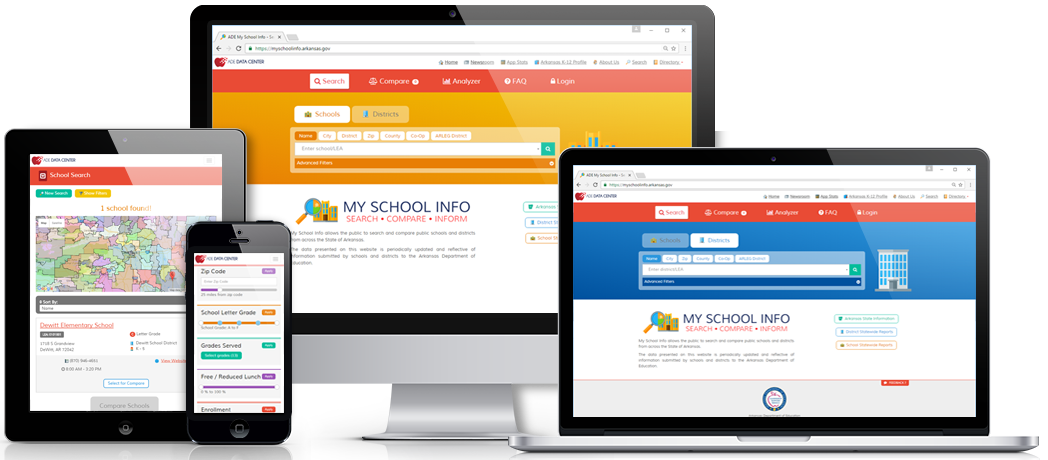
School and district information.
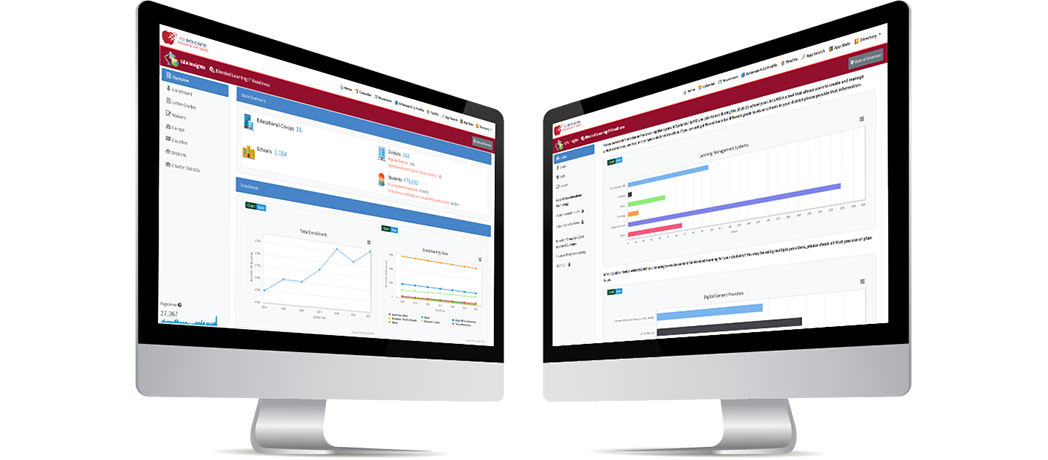
Local Education Agency insights and analytics.
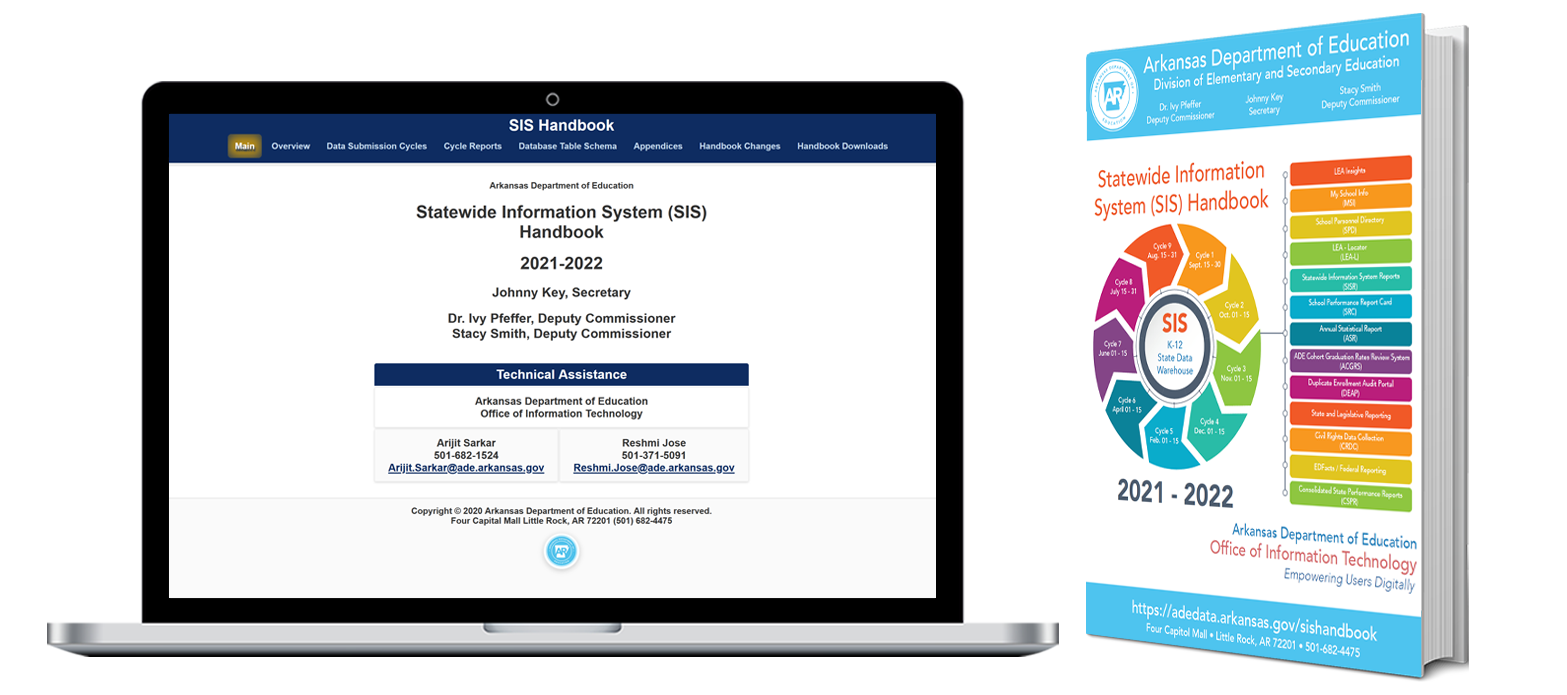
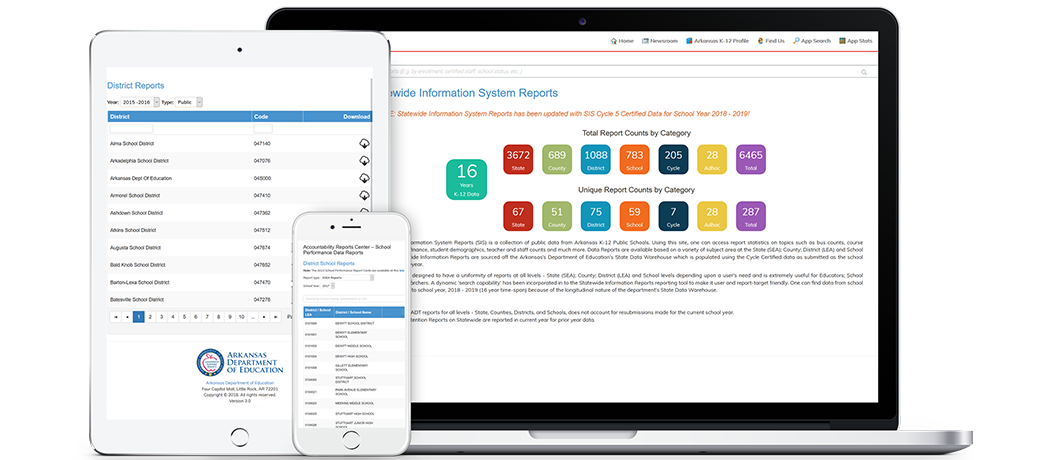
Statewide information and cycle reporting.

For the latest updates, resources, and support, visit the ADE website and OIT resources.


Arkansas A.C.C.E.S.S. Portal, a single, statewide universal college application that fulfills the Eligibility pillar of Arkansas ACCESS.


2025-2026 ADE Letter Grade - Calculator and Dashboard
View school and district performance, calculate letter grades and explore detailed insights with interactive dashboards.

ADE Digital Locker Modules
Access new tools and resources quickly and securely in your Digital Locker.


A streamlined, comprehensive platform designed in close collaboration with ADE Office of Federal Programs to serve as a one-stop strategic plan for LEAs across the state.


Join us on our Journey Across Arkansas as we commemorate the people, places, and events that shape the Natural State—past, present, and future. Connect with our nation's history, celebrate Arkansas's unique story, and contribute to our state's future success.

The Arkansas Department of Education is pleased to launch a new, user-friendly childcare website that enables families to find licensed childcare providers in their areas.
“The LEARNS Act codified a commitment to improve access to quality childcare providers and streamlined education from cradle to career,” Secretary of Education Jacob Oliva said. “This new website helps parents and families quickly search for childcare options in their communities.”

Check out the new website of APSCN!

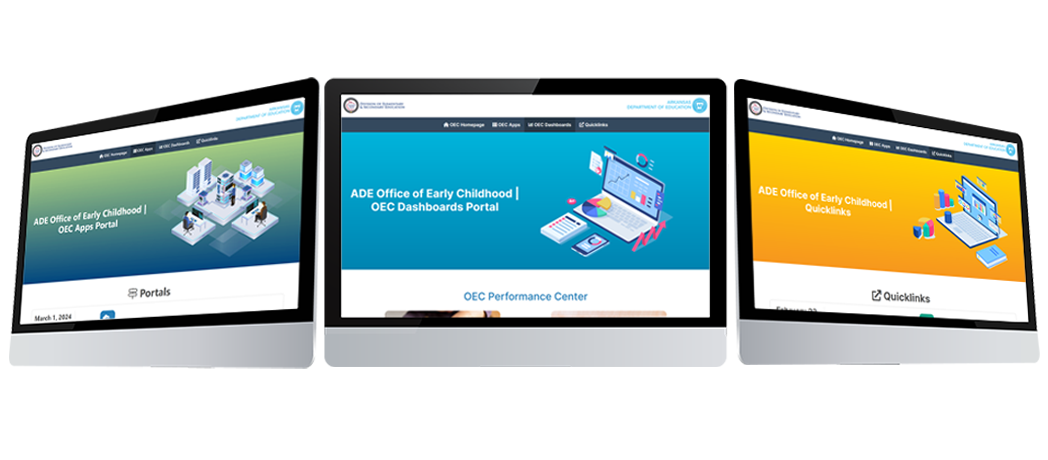
The ADE: Office of Early Childhood (OEC) is pleased to announce the release of School Readiness Assistance (SRA).

The Arkansas Department of Education (ADE): Office of Information Technology is pleased to announce the release of 2024 Arkansas Teaching, Learning and Assessment System (ATLAS) data sets on My School Info (MSI).

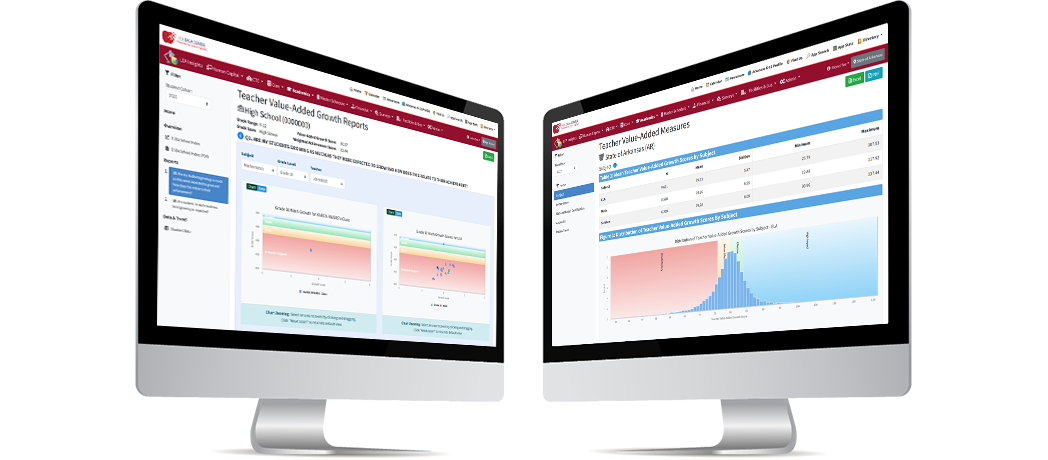
DESE has launched the Roster Verification System (RVS) in LEA Insights to ensure teachers and administrators are confident teachers of tested subject areas and grade levels are linked to the growth scores of students for whom they provided instruction.
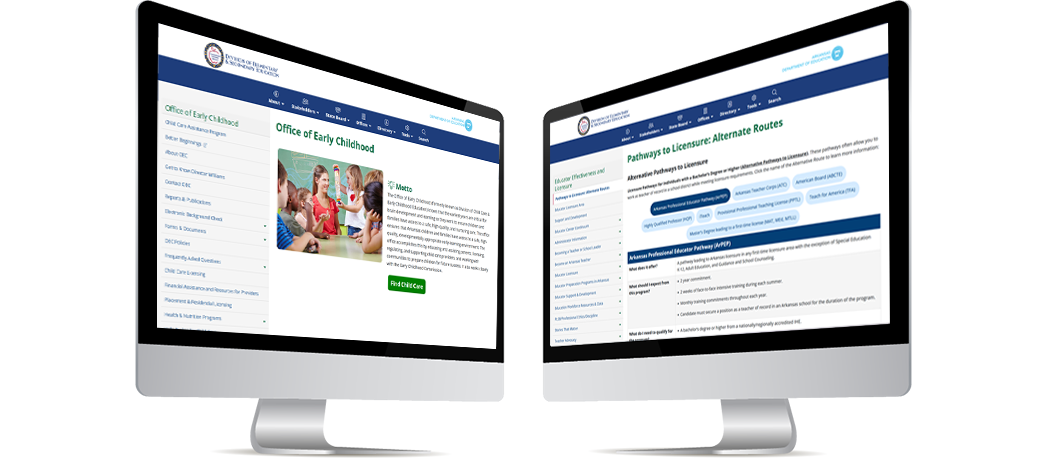
Check out the new pages in Division of Elementary and Secondary Education (DESE) website!

Education Freedom Accounts are here for Arkansas’ eligible families! Education Freedom Accounts may be used by eligible families to cover private school tuition, fees, uniforms, and some other required expenses.

The Division of Elementary and Secondary Education is conducting a short survey to meet the Arkansas Learns executive order. The intent of the survey is to determine the extent in which school districts provide parents and the public access to information about classroom curriculum, required reading materials, and books, in public schools and classrooms in Arkansas.
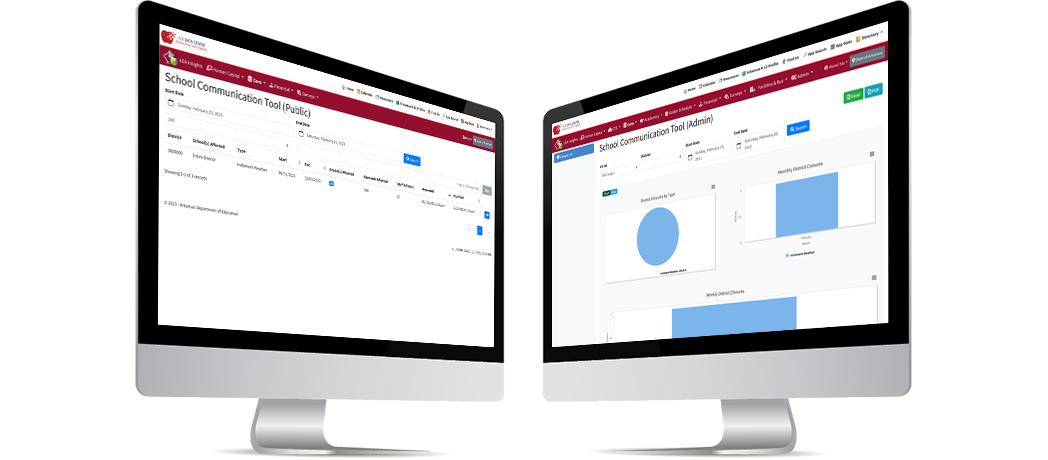
The Arkansas Department of Education (ADE): Division of Elementary and Secondary Education (DESE) is pleased to announce the release of the School Communication Tool on the Insights platform.
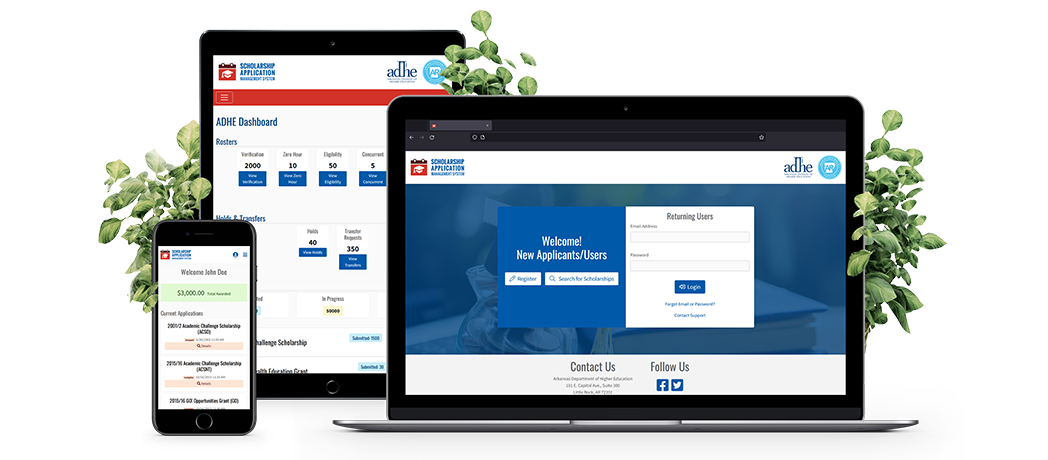
The Arkansas Department of Education (ADE): Division of Higher Education (DHE) is pleased to announce the release of the new Scholarship Application Management System (SAMS) Portal. SAMS replaces the YOUniversal System. The SAMS Portal release is schedule for Monday, October 3, 2022 at 8:00 AM CST.
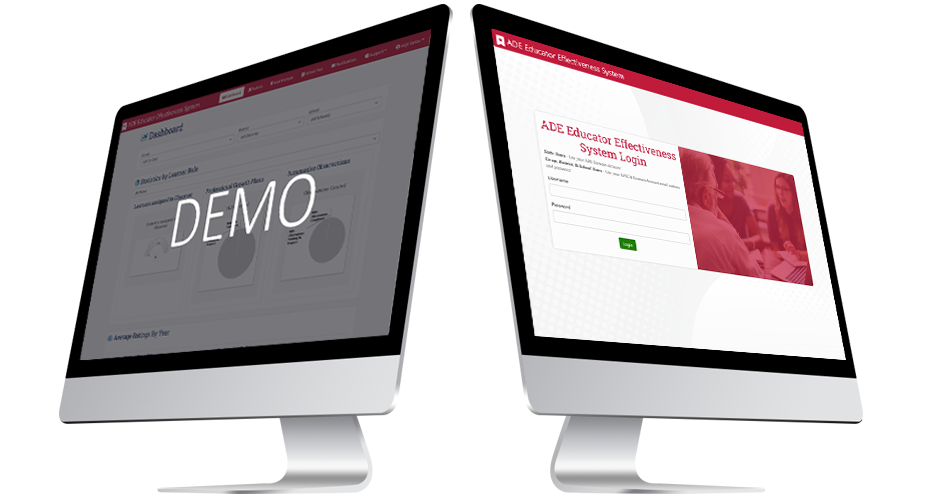
The Arkansas Department of Education: Division of Elementary and Secondary Education is pleased to launch the Educator Effectiveness System.
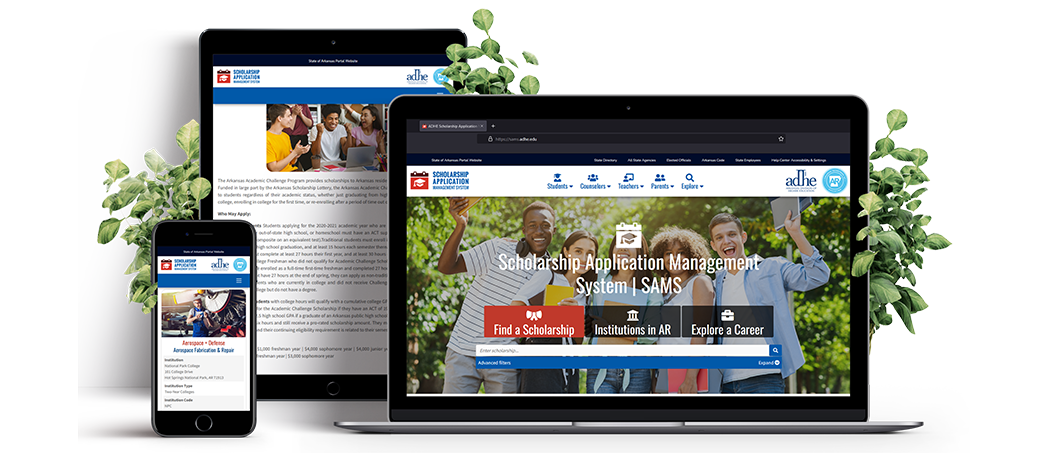
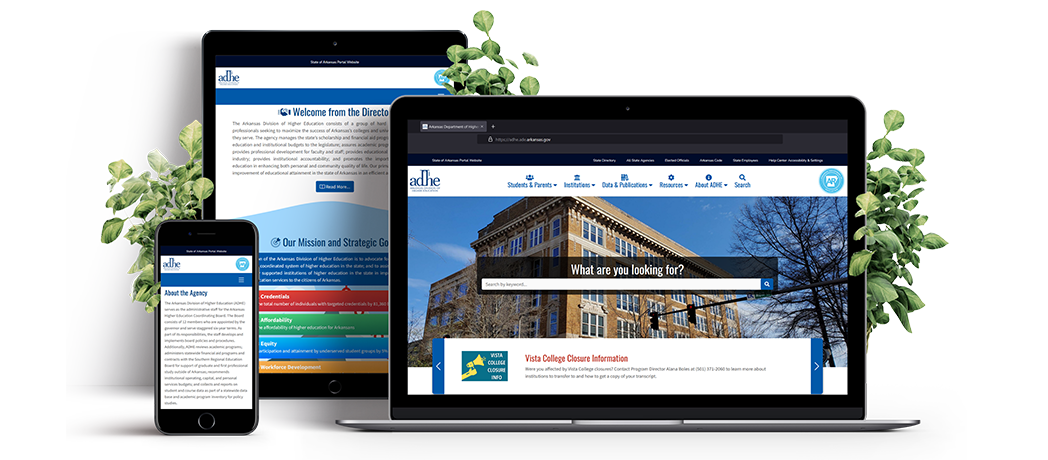
ADHE has launched a new scholarship website. Learn more about and apply for state scholarships.
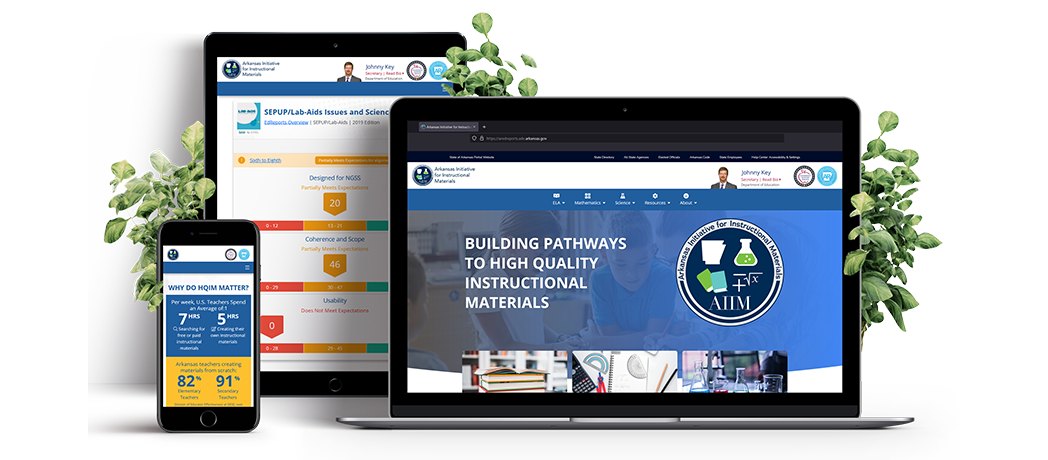
The Division of Elementary and Secondary Education (DESE) is committed to ensuring that every student in Arkansas has equitable access to high-quality instructional materials (HQIM), grade-level instruction, and responsive practices, leading to opportunities to reach college, career, and life goals.
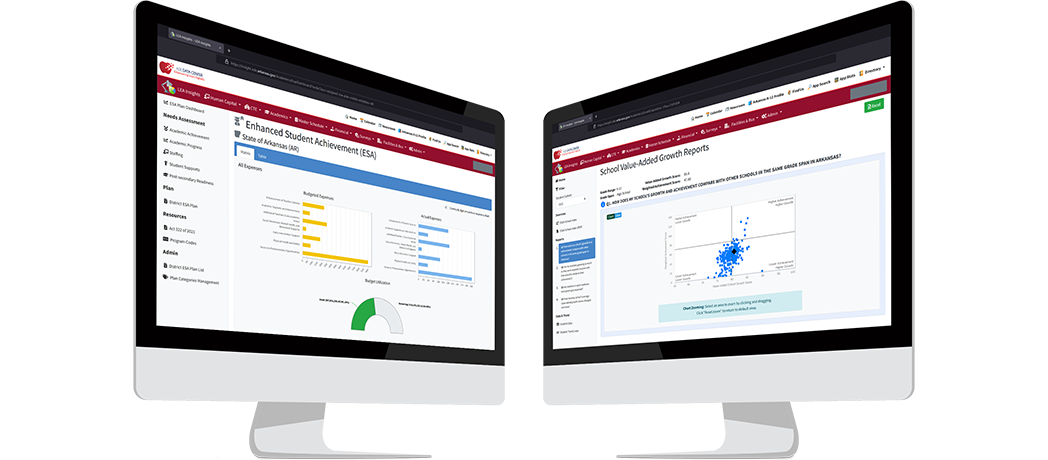
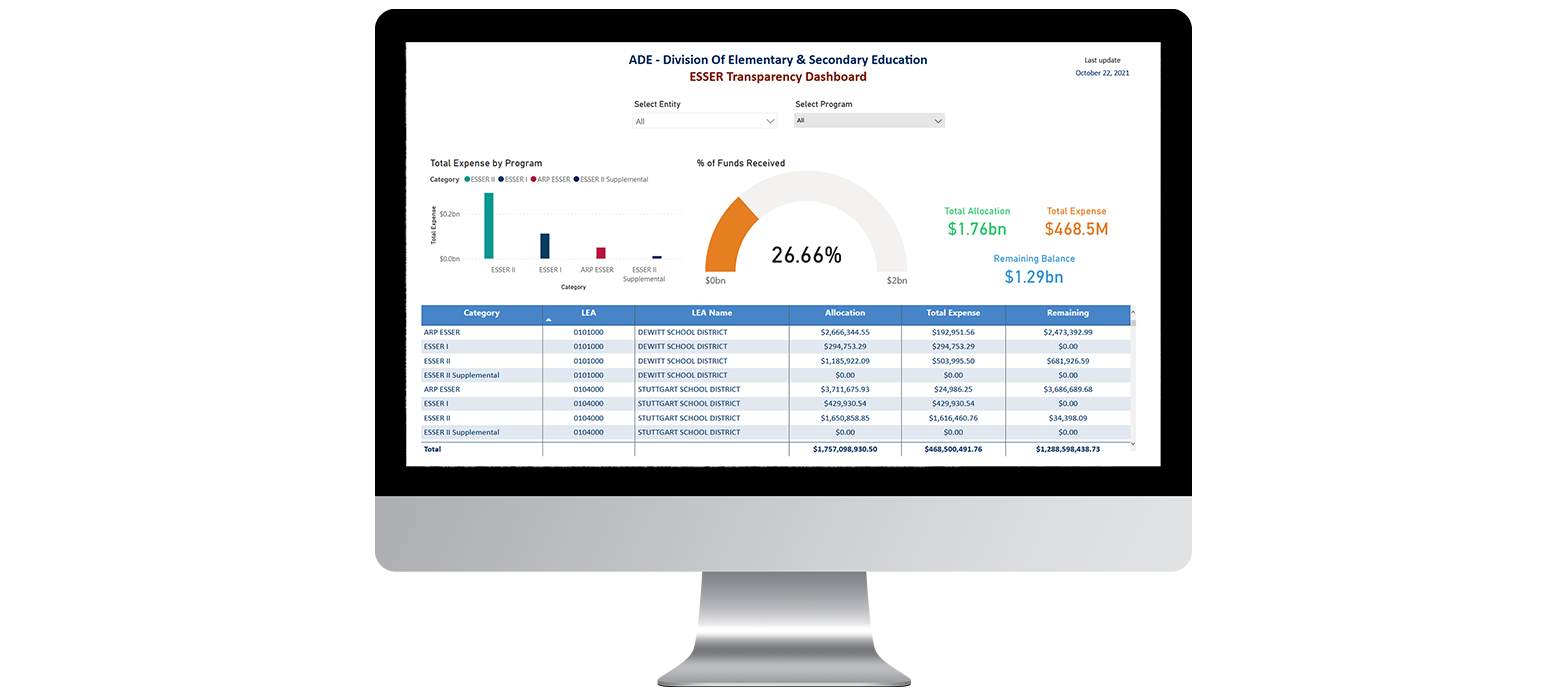
The Arkansas Department of Education (ADE): Division of Elementary and Secondary Education (DESE) – Fiscal and Administrative Services in partnership with ADE Office of Information Technology (OIT) is pleased to announce the release of ESSER Transparency Dashboard Portal on the Insights platform.
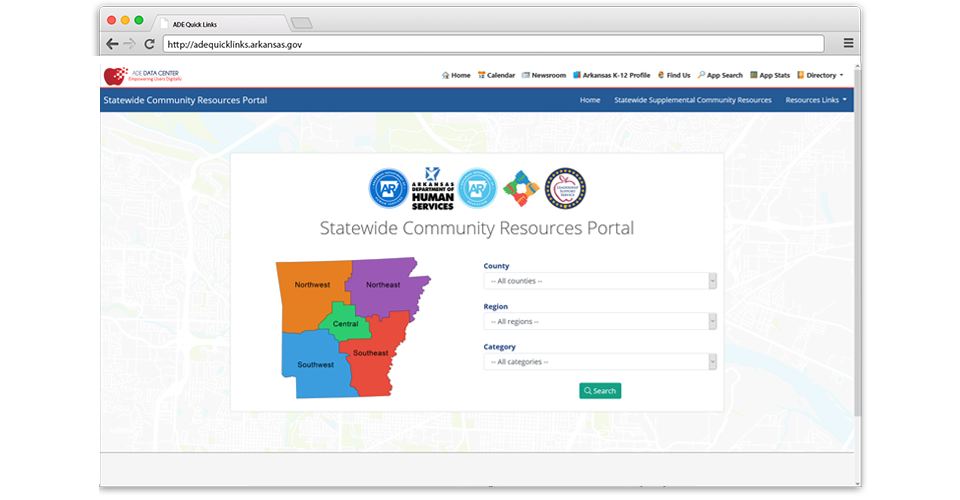
The Arkansas Department of Education is pleased to launch the Statewide Community Resources Portal, a website that connects schools and communities with much-needed information about available support services around the state
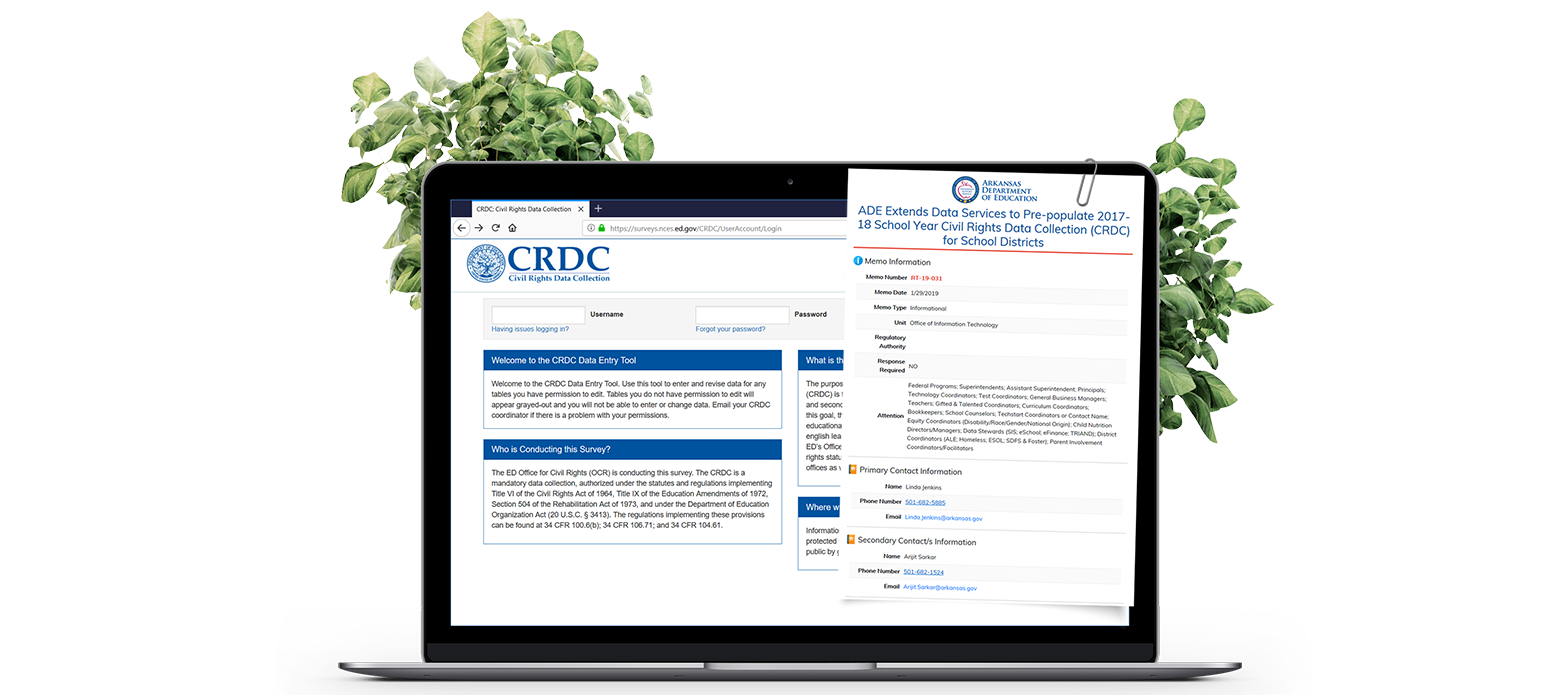
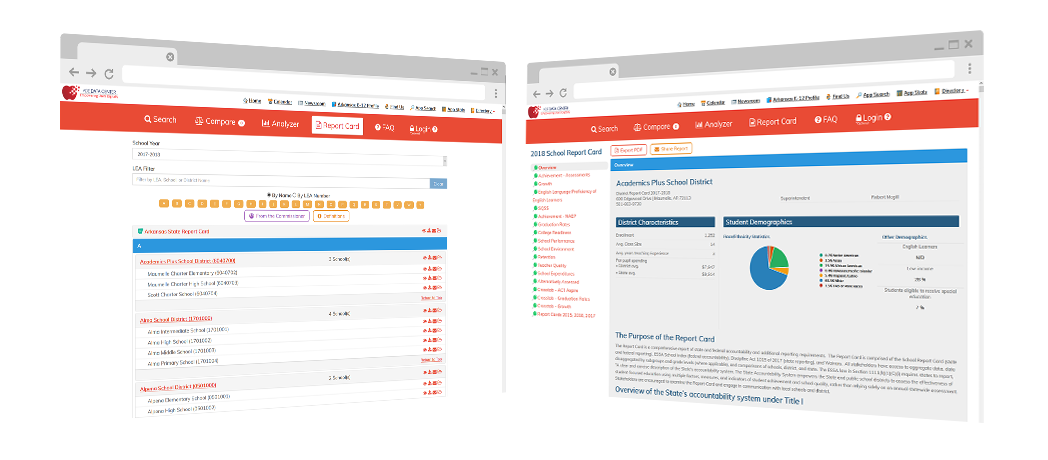
The Arkansas Department of Education (ADE) is pleased to announce that starting for 2017-18 school year, the department / SEA (State Educational Agency) has actively engaged with the Office of Civil Rights (OCR) to pre-populate most data for Arkansas Local Educational Agency (LEA’s: District and, School-level) in the Civil Rights Data Collection (CRDC) submission system.
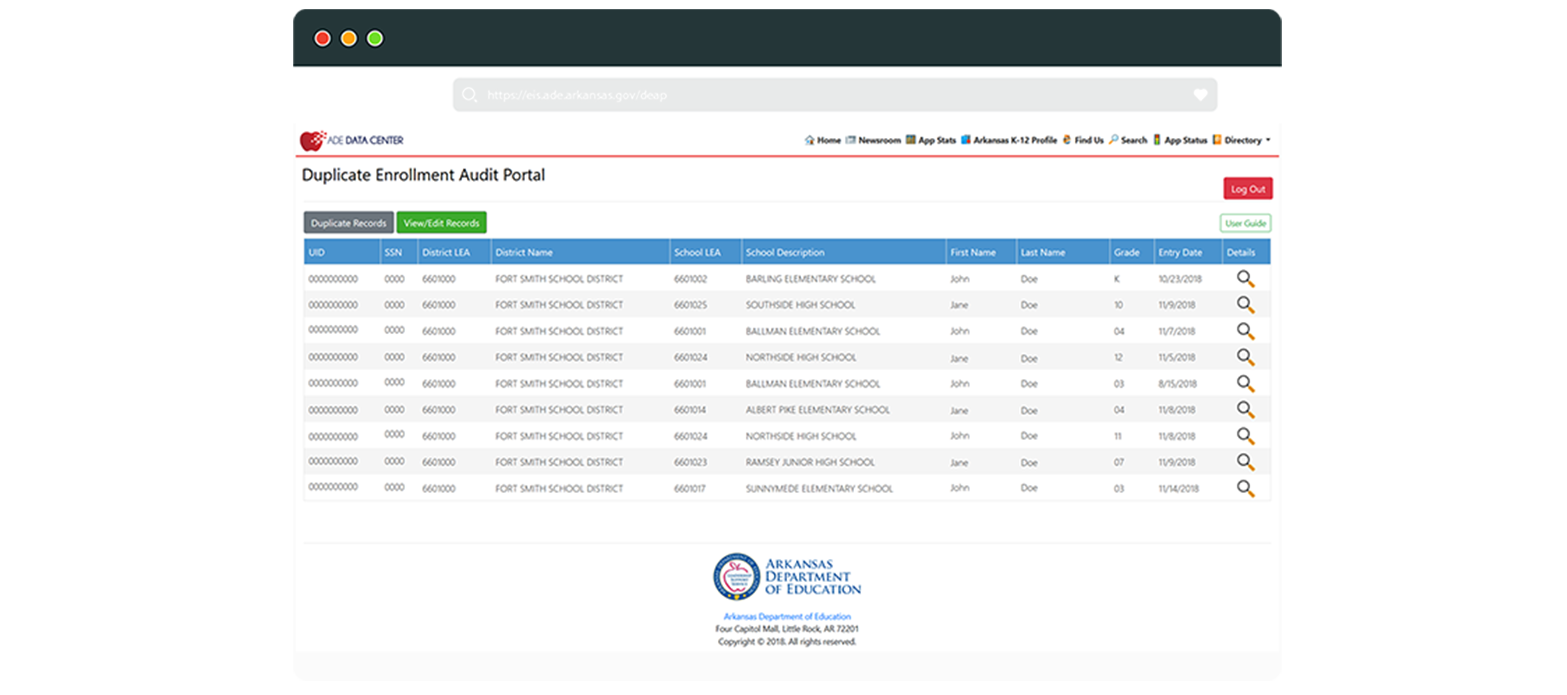
The upgraded Duplicate Enrollment Audit Portal (DEAP) was released on December 5, 2018. DEAP is used a tool for ADM audit based off SIS Cycle 3, 5 and 6 data submissions by school districts.
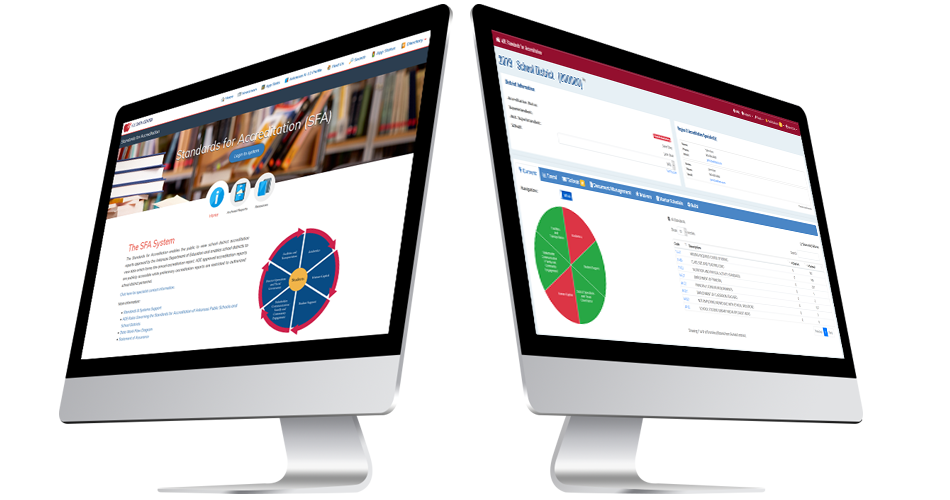
Live on October 22, 2018!
The Arkansas Department of Education (ADE) Standards and Systems Support Unit in collaboration with the Office of Information Technology is pleased to announce the release of the new Standards for Accreditation (SFA) website.
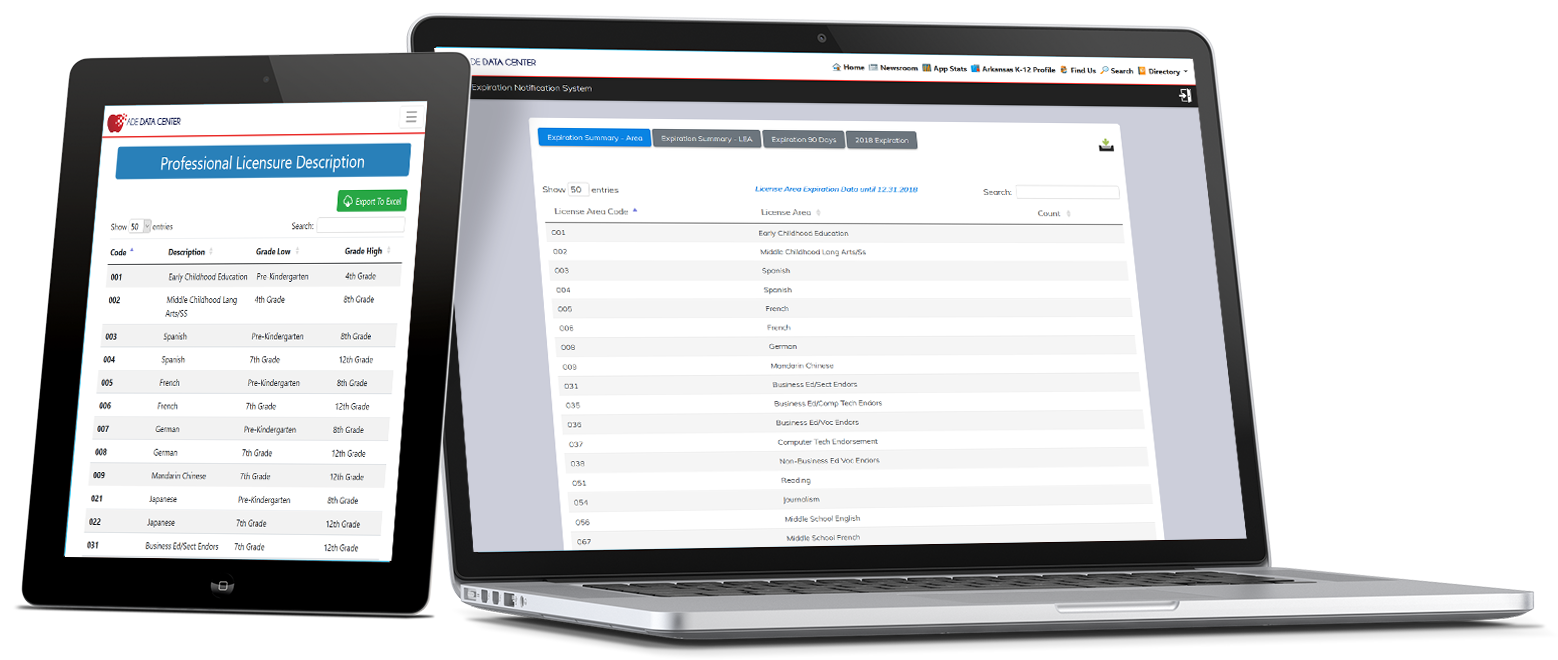
The licensure websites has been updated. It can now be viewed on mobile, tablet, and desktop.
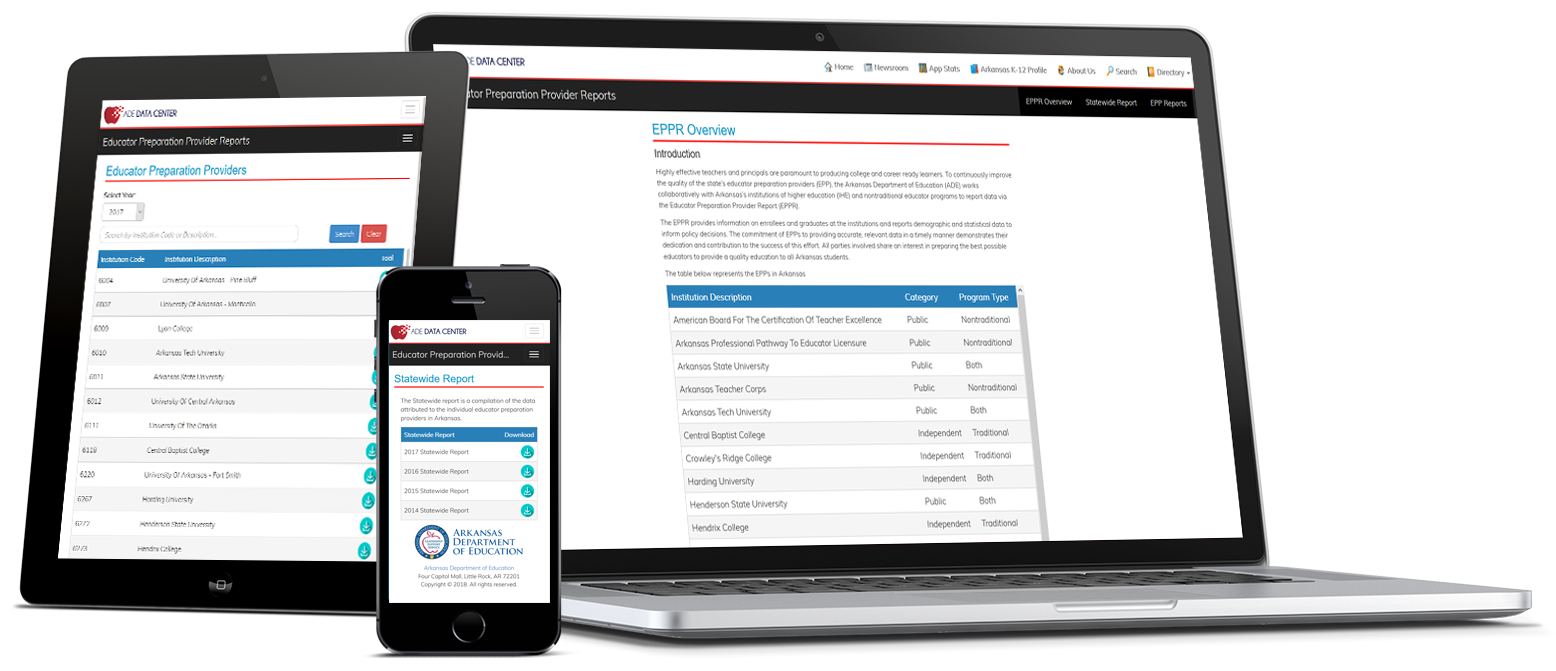
The educator preparation provider report website has been updated. It can now be viewed on mobile, tablet, and desktop.
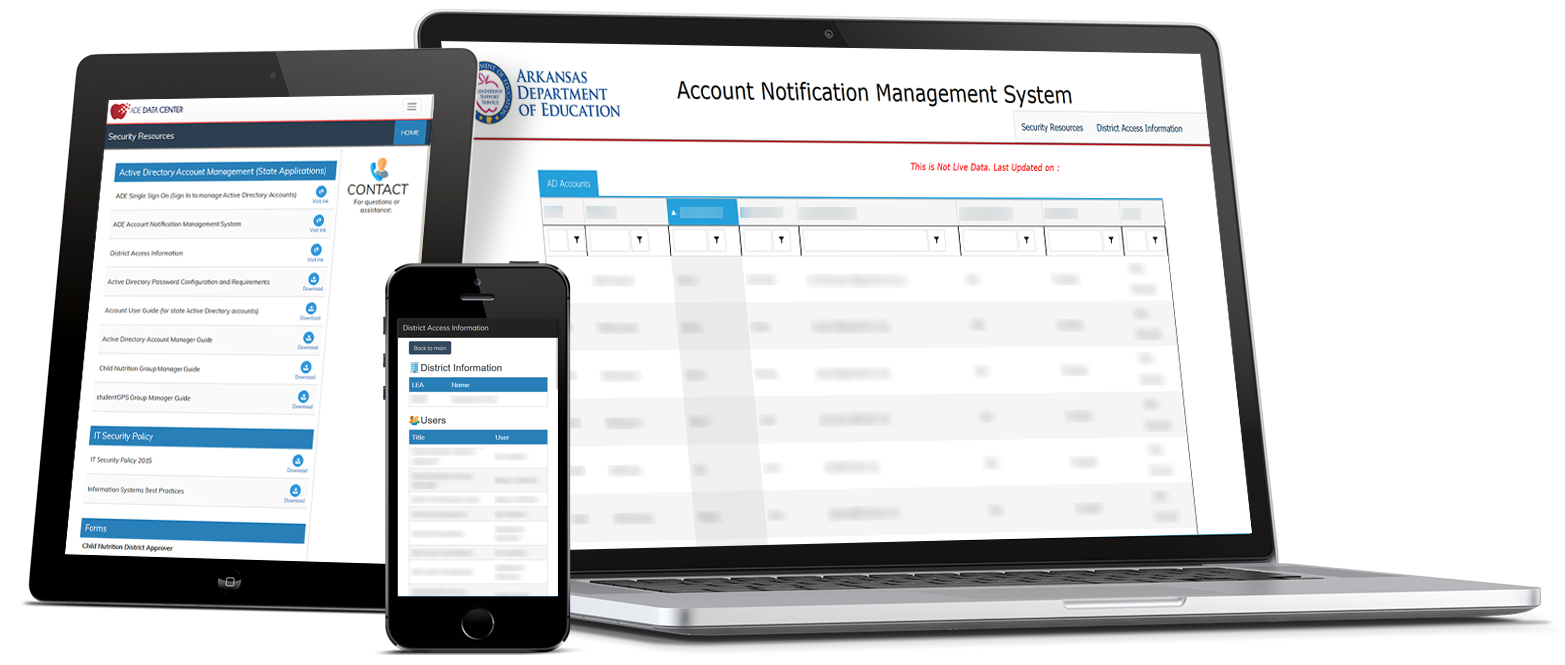
The district security resources websites has been updated. Please check out ANMS, DAI, and Security pages.

Acronym Translator, Course Codes and Job Codes applications updated on ADE Data Center.
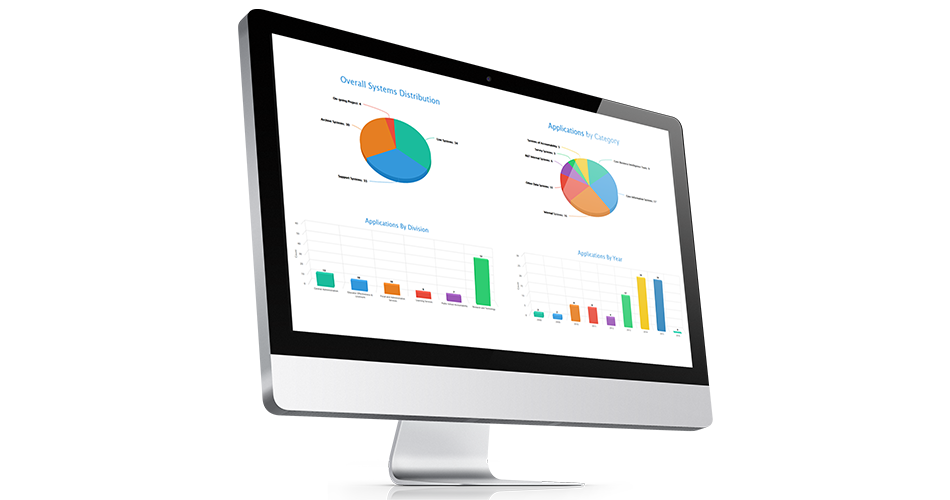
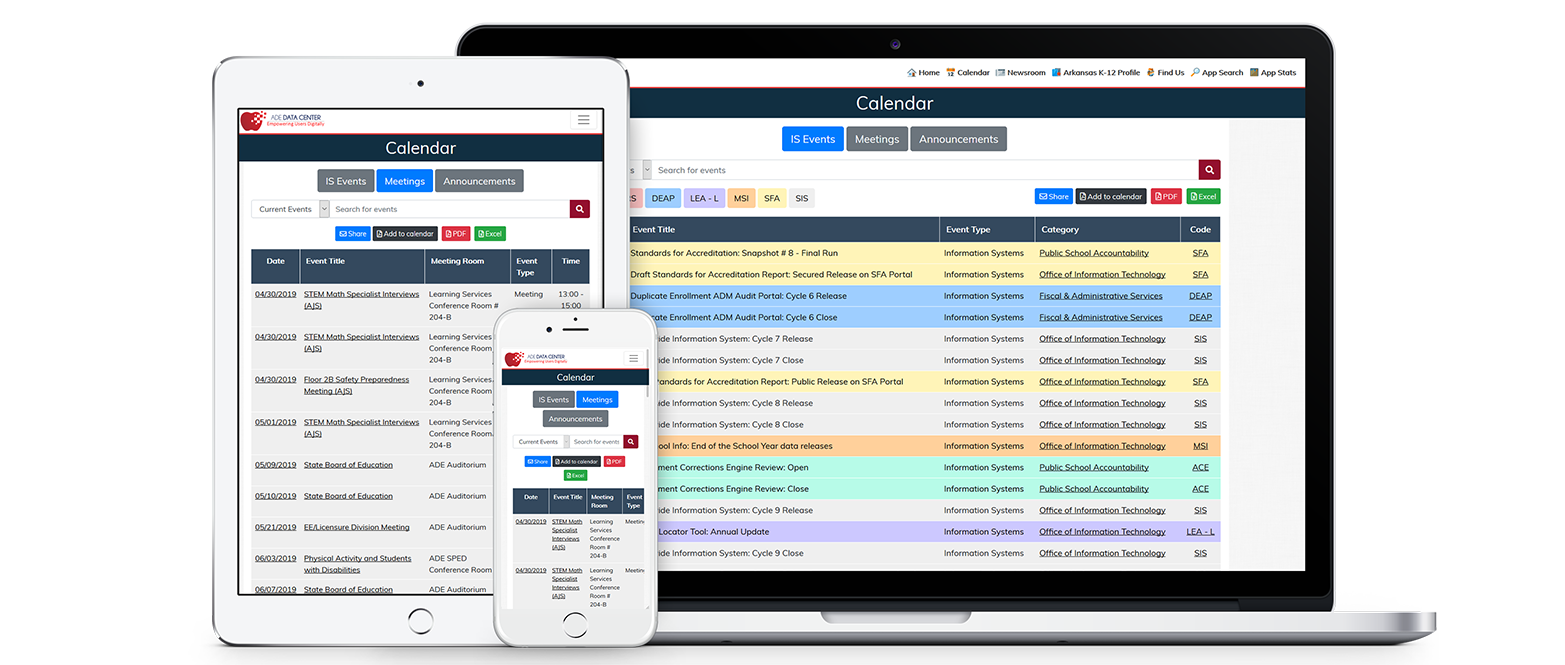
Application Distribution and Statistics by Category, Division, and Year.
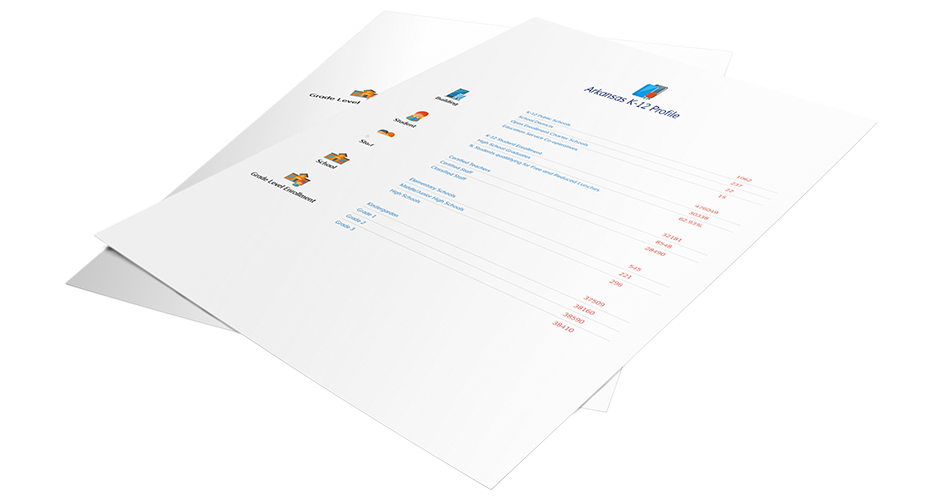
Arkansas K-12 Profile for LEA, Teachers, Staffs and Students at a glance.
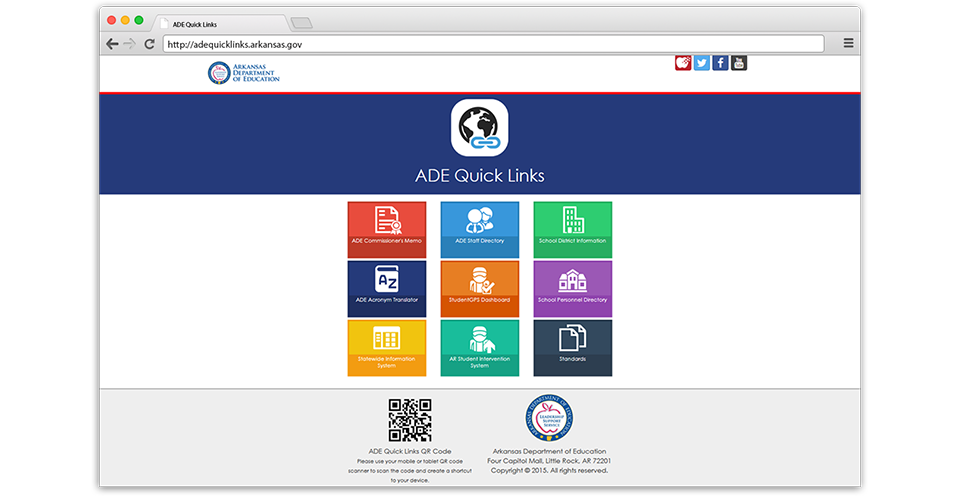
One-stop access for frequently used data portals and information systems.
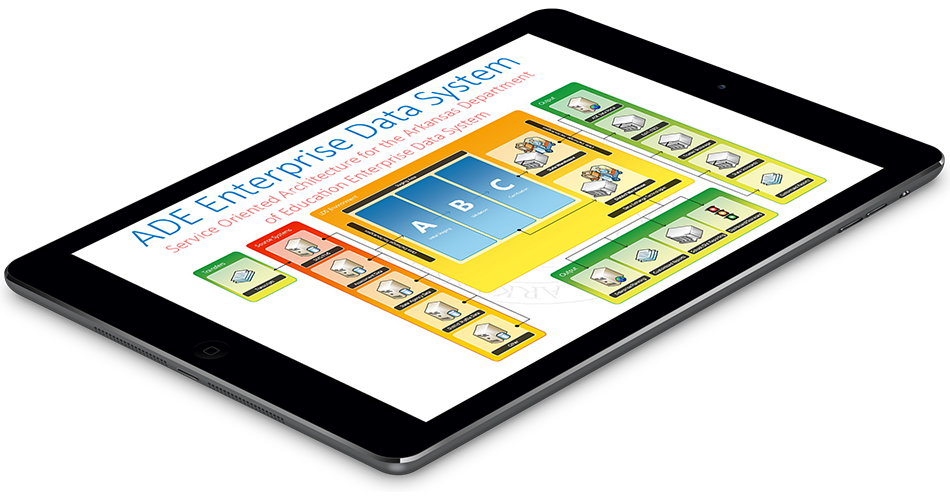
Service Oriented Architecture for the Arkansas Department of Education Enterprise Data System.
Division: Public School Accountability
Division: Public School Accountability
Division: Chief of Staff
Division: Office of Learning Services
Login Legend:
 APSCN AD
 TRIAND
 ADE
ADE

We've detected that you're using Internet Explorer 9 or older version. In order for the website to function correctly, please use the latest version of Internet Explorer (11 or Edge), Mozilla Firefox, Google Chrome or Safari.